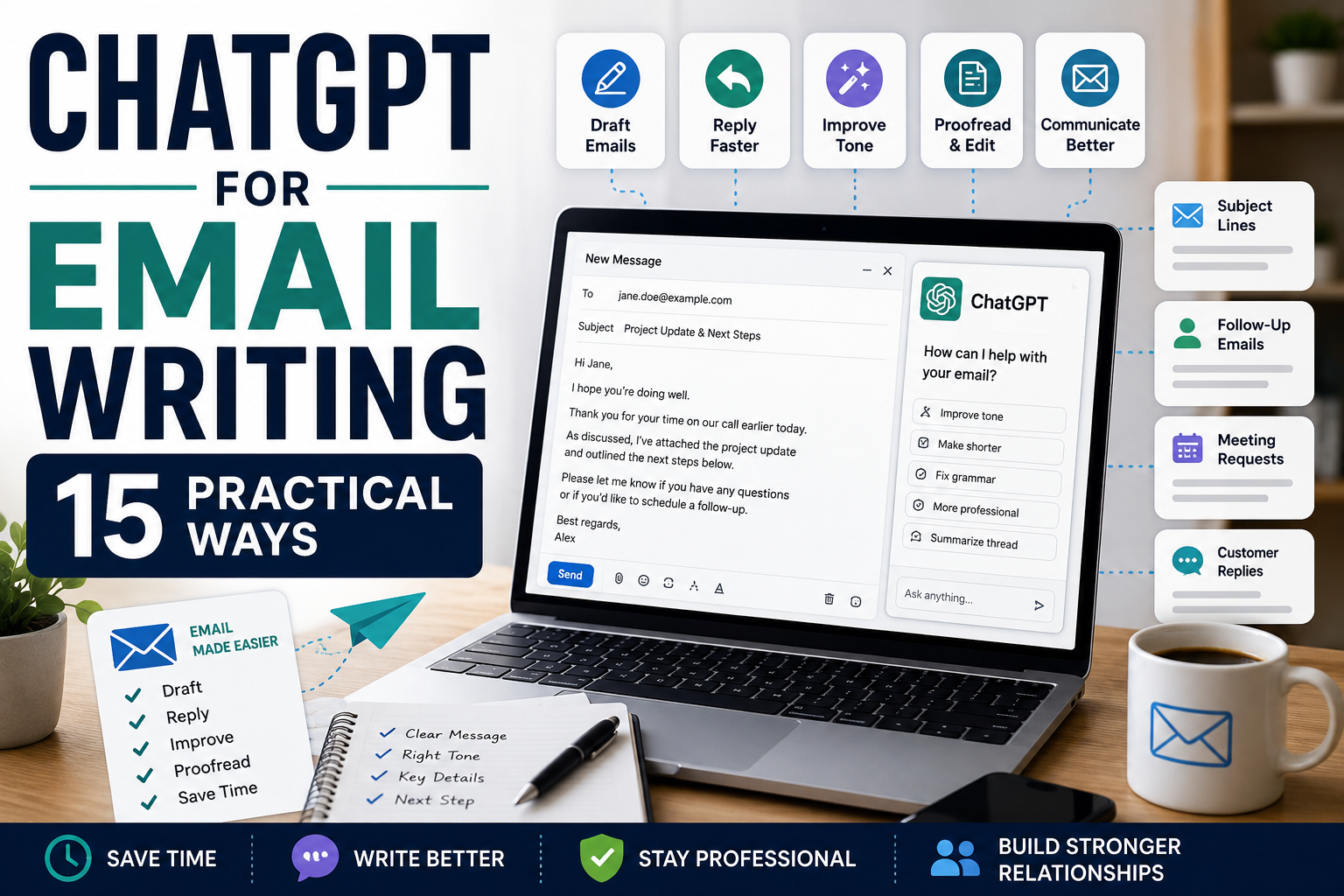
How to Use ChatGPT for Email Writing: 15 Practical Ways
ChatGPT for email writing can help you turn a few rough ideas into a clear, professional message without spending unnecessary time staring at a blank screen. Whether you’re writing a business email, customer response, follow-up, introduction, or everyday message, ChatGPT can help you create a useful first draft.
The goal isn’t to let AI handle every conversation for you. Emails often involve relationships, context, commitments, and personal judgment that an AI tool may not fully understand. The best approach is to give ChatGPT the important facts and then review the result yourself before sending anything.
In this beginner-friendly guide, we’ll explore 15 practical ways to use ChatGPT for email writing, with copy-and-paste example prompts you can adapt for different situations. We’ll also cover common mistakes, privacy considerations, and a simple workflow for producing better emails with AI assistance.
What Is ChatGPT for Email Writing?
Using ChatGPT for email writing means using AI to assist with different parts of the email process. It can help you create a first draft, rewrite an unclear message, adjust the tone, shorten a long email, suggest subject lines, or organize information into a more readable structure.
ChatGPT works best when you provide context. Explain who the recipient is, why you’re writing, the important information that must be included, the tone you want, and what you would like the recipient to do next.
You should still review every important email before sending it. Check names, dates, prices, promises, attachments, deadlines, and other factual details rather than assuming the generated message is automatically correct.
15 Practical Ways to Use ChatGPT for Email Writing
1. Draft an Email From Rough Notes
You don’t need to write a perfectly structured prompt before ChatGPT can help with an email. If you already know what you want to say, you can provide your main points as rough notes and ask ChatGPT to organize them into a clear message.
This is particularly useful when you know the information that needs to be communicated but aren’t sure how to structure the email professionally.
Example prompt
Turn these notes into a professional email: [paste notes]. The recipient is [person or role], and the purpose of the email is [purpose]. Include all important details, use a friendly and professional tone, and finish with a clear next step. Do not add facts, promises, or commitments that I haven’t provided.
2. Improve the Clarity of an Existing Email
Sometimes you already have a complete email, but the message feels confusing, repetitive, or too long. ChatGPT can help identify areas that could be simplified without changing what you actually mean.
When using ChatGPT for email writing, tell it to preserve important details so that improving the language doesn’t accidentally change the substance of your message.
Example prompt
Review the following email for clarity: [paste email]. Make the message easier to understand, remove unnecessary repetition, and improve the structure while preserving the original meaning and all important details. Do not add new facts or commitments.
3. Adjust the Tone of an Email
The same information can sound very different depending on how it is written. ChatGPT can help make an email warmer, more professional, more concise, or more diplomatic while keeping the core message intact.
This can be useful when you’re unsure whether an email sounds too formal, too casual, too harsh, or simply different from the tone you intended.
Example prompt
Rewrite the following email in a [friendly/professional/warm/diplomatic] tone: [paste email]. Preserve the facts, requests, and important details. Improve the tone without making the message overly formal or adding promises that aren’t in the original.
4. Write Better Email Subject Lines
A subject line should give the recipient a clear reason to open the email without being misleading. ChatGPT can generate several alternatives based on the purpose of your message, allowing you to compare different approaches.
For professional or business emails, clarity is often more useful than trying to make every subject line sound clever or dramatic.
Example prompt
Write 10 subject line options for the following email: [paste email or summarize it]. The recipient is [person or audience], and the purpose is [purpose]. Keep the subject lines clear, concise, and accurate. Avoid clickbait, exaggerated urgency, and misleading wording.
5. Draft Replies to Emails
Replying to emails can take time when you need to address several questions or explain something carefully. ChatGPT can help organize your response when you provide the original message and the facts you want included.
Be especially careful when the reply involves money, contracts, complaints, deadlines, refunds, or other commitments. AI should not invent an answer or make a promise on your behalf.
Example prompt
Draft a reply to the following email: [paste email]. My response should communicate these points: [list points]. Answer each relevant question clearly, use a professional and friendly tone, and finish with the appropriate next step. Do not invent facts, policies, dates, prices, or commitments.
6. Write Professional Follow-Up Emails
Following up can feel awkward, particularly when someone hasn’t responded. ChatGPT can help create a polite reminder that refers to the previous conversation without sounding unnecessarily demanding.
The tone should reflect the situation. A follow-up to a potential customer may sound different from a reminder to a colleague, supplier, recruiter, or existing client.
Example prompt
Write a polite follow-up email about [topic]. I originally contacted [recipient or role] on [date or timeframe] regarding [purpose]. I haven’t received a response yet. Keep the message brief, professional, and friendly, restate the next step I’m asking for, and avoid sounding impatient or accusatory.
7. Write Customer Service Emails
Customer service emails often need to balance clarity, empathy, and accuracy. ChatGPT can help draft responses to questions, complaints, delivery issues, appointment problems, or other customer concerns when you provide the correct facts and policies.
Don’t allow AI to invent refunds, discounts, replacement policies, guarantees, or other commitments. The final response should always match what your business can actually provide.
Example prompt
Draft a customer service email responding to this situation: [describe situation or paste customer message]. The relevant facts and company policy are: [provide information]. Acknowledge the customer’s concern, explain the situation clearly, and provide the appropriate next step. Do not promise anything beyond the information I’ve provided.
8. Write Professional Introduction Emails
Introducing yourself to a new business contact, potential client, colleague, or professional connection can be difficult when you want to sound confident without writing an unnecessarily long message.
ChatGPT can help organize a short introduction around who you are, why you’re contacting the person, and what you’d like to happen next.
Example prompt
Write a professional introduction email to [person or role]. I am [brief description], and I’m contacting them because [reason]. The relevant connection or context is [context]. Keep the email concise and friendly, explain why I’m reaching out, and finish with a simple next step. Do not invent credentials or relationships.
9. Write Meeting and Appointment Emails
Emails about meetings can include invitations, scheduling requests, confirmations, agenda information, rescheduling notices, or follow-ups. ChatGPT for email writing can help organize these details into a concise message.
Dates and times deserve particular attention. Always verify them yourself before sending the email, especially when people are in different time zones.
Example prompt
Write an email to [recipient] about [meeting or appointment]. The proposed date is [date], the time is [time and time zone], the purpose is [purpose], and the expected duration is [duration]. Include any preparation needed: [details]. Keep the message concise and ask the recipient to confirm availability.
10. Shorten Long Emails
Long emails can make important information difficult to find. ChatGPT can help reduce unnecessary wording while preserving the main message, key facts, and requested action.
This is particularly useful when you’ve written everything you want to say but realize the recipient may have to work too hard to identify the important points.
Example prompt
Shorten the following email while preserving all important facts, requests, dates, and commitments: [paste email]. Remove repetition and unnecessary wording, improve the structure, and make the main action required from the recipient easy to identify. Do not change the meaning or add new information.
11. Make Difficult Emails More Diplomatic
Emails involving disagreements, delays, mistakes, unmet expectations, or sensitive requests can be difficult to phrase. ChatGPT can help you explore wording that communicates the issue clearly without making the message unnecessarily confrontational.
Diplomacy doesn’t mean hiding the problem. The objective is to communicate the facts and desired outcome respectfully while reducing language that could escalate the situation.
Example prompt
Rewrite the following email in a calm and diplomatic tone: [paste email]. Preserve the facts, boundaries, and outcome I’m requesting, but remove unnecessarily aggressive or accusatory wording. Keep the message clear and professional, and do not weaken important requirements or invent compromises.
12. Summarize Long Email Threads
Long email conversations can make it difficult to remember what was agreed, which questions remain unanswered, and who needs to take the next action. ChatGPT can help organize a thread into a shorter summary.
Before sharing an email thread with an AI tool, consider whether it contains confidential, personal, financial, or otherwise sensitive information that should be removed.
Example prompt
Summarize the following email thread: [paste thread]. Identify the main topic, key decisions, unanswered questions, action items, deadlines, and who is responsible for each next step. Base the summary only on the messages provided and clearly mark anything that remains uncertain.
13. Write Thank-You Emails
A thoughtful thank-you email can help maintain professional relationships after a meeting, purchase, referral, interview, introduction, or other interaction. ChatGPT can help create a starting draft when you’re unsure how to express your appreciation without sounding overly formal or generic.
Personalize the final message with specific details from the interaction whenever appropriate. A genuine detail usually makes a thank-you email more meaningful.
Example prompt
Write a warm but professional thank-you email to [recipient]. I’m thanking them for [reason]. Mention [specific detail or outcome] and explain briefly why I appreciated it. Keep the message concise and natural, and do not invent details that I haven’t provided.
14. Draft Promotional Emails
Businesses and creators can use ChatGPT for email writing to develop first drafts for product announcements, special offers, launches, newsletters, or other promotional messages.
Give ChatGPT accurate information about the offer rather than allowing it to invent benefits, discounts, testimonials, guarantees, scarcity, or deadlines. The finished email should accurately represent what you’re actually offering.
Example prompt
Draft a promotional email for [product, service, or offer]. The target audience is [audience], the verified benefits are [benefits], and the call to action is [action]. Use a clear and conversational tone. Include three subject line options and a concise email body. Do not invent discounts, testimonials, guarantees, deadlines, or results.
15. Proofread Emails Before Sending
ChatGPT can also act as a final review assistant. Instead of asking it to rewrite everything, you can ask it to identify spelling, grammar, clarity, tone, or consistency problems while preserving your original message.
This final check can be particularly useful for important professional emails, but it shouldn’t replace your own review of factual information.
Example prompt
Proofread the following email: [paste email]. Check spelling, grammar, punctuation, clarity, tone, and consistency. Preserve my meaning and voice. First list any important problems you find, then provide a corrected version. Do not change names, dates, prices, commitments, or other factual details unless you clearly flag them for me to verify.
Before sending any important email, read the final version yourself. Confirm the recipient, subject line, names, dates, attachments, links, amounts, deadlines, and any promises or commitments contained in the message.
These 15 examples show that ChatGPT for email writing can assist throughout the email process—from creating the first draft to improving tone and completing a final proofread. The most useful approach is to let AI help with the writing while keeping the facts, relationships, and final decisions under your control.
A Simple ChatGPT Email Writing Workflow
Using ChatGPT effectively for email doesn’t mean handing over the entire conversation to AI. A better approach is to use it as a writing assistant while keeping the purpose, facts, relationships, and final decisions in your hands.
A simple workflow could look like this:
- Decide what the email needs to achieve. Be clear about why you’re writing and what you want the recipient to know or do.
- Gather the important facts. Note names, dates, amounts, deadlines, previous conversations, and other information that must be accurate.
- Identify the recipient and tone. Decide whether the email should sound professional, friendly, warm, concise, diplomatic, or something else.
- Give ChatGPT clear instructions. Explain the purpose, context, required information, tone, and desired next step.
- Review the first draft. Check whether the email actually communicates what you intended rather than assuming the generated version is correct.
- Refine the wording. Ask ChatGPT to shorten, clarify, reorganize, or adjust the tone if necessary.
- Verify every important detail. Check names, dates, prices, deadlines, links, attachments, policies, and commitments yourself.
- Personalize the message. Add relevant details that make the email appropriate for the specific recipient instead of leaving it sounding generic.
- Proofread the final version. Check grammar, clarity, formatting, and tone one last time.
- Read before sending. Make sure you’re comfortable taking responsibility for everything the email says.
Better prompts can make this workflow much easier. See our guide to How to Write ChatGPT Prompts: A Beginner’s Guide with 15 Examples for a simple method you can use when giving ChatGPT instructions.
If email is one of many repetitive tasks taking up your day, our guide to How to Use ChatGPT for Productivity: 10 Simple Ways to Save Time in 2026 covers additional ways to use AI more efficiently.
Common Mistakes When Using ChatGPT for Email Writing
ChatGPT can make email writing faster, but an email can still cause problems if the information is wrong, the tone is inappropriate, or the message contains commitments you didn’t intend to make. Avoiding a few common mistakes can make AI-assisted email much safer and more useful.
1. Sending the First Draft Without Reading It
Never assume an AI-generated email is ready to send. Read the entire message and make sure it accurately represents what you want to communicate.
2. Allowing ChatGPT to Invent Details
If important information is missing, ChatGPT may sometimes produce plausible-sounding details that weren’t provided. Check names, dates, prices, policies, deadlines, promises, and other factual information carefully.
3. Using the Wrong Tone
A grammatically correct email can still sound inappropriate for the situation. Consider your relationship with the recipient and whether the message should be formal, friendly, warm, concise, apologetic, diplomatic, or direct.
4. Making Emails Sound Too Generic
AI-generated emails can sometimes use predictable wording. Personalize important messages with relevant details from the actual situation and remove phrases that don’t sound natural for you.
5. Sharing Sensitive Information Unnecessarily
Be careful when pasting emails or email threads into an AI service. They may contain personal information, confidential business material, financial details, passwords, identification information, or other data that isn’t necessary for the writing task.
6. Forgetting Attachments and Links
ChatGPT can help write the message, but you still need to make sure promised attachments are actually attached and that any links included in the email point to the correct destination.
7. Letting AI Handle Sensitive Conversations Automatically
Difficult customer complaints, employment matters, contracts, financial disputes, legal issues, and other high-impact conversations may require careful human judgment or professional advice. AI can help with wording, but it shouldn’t automatically make important decisions or commitments for you.
The safest approach to ChatGPT for email writing is to use AI for drafting and editing while keeping confidential information protected and reviewing every important message before it leaves your inbox.
Frequently Asked Questions About ChatGPT for Email Writing
Can ChatGPT write emails for me?
Yes. ChatGPT can help create first drafts of emails based on the information and instructions you provide. For better results, explain who you’re writing to, the purpose of the email, the important details, the tone you want, and the desired next step. Always review the final message before sending it.
Can ChatGPT reply to an email?
Yes. You can provide the email you received and explain the points you want included in your response. ChatGPT can then help organize those points into a clear reply. Remove unnecessary sensitive information before sharing an email with an AI service.
Can ChatGPT make an email sound more professional?
Yes. ChatGPT can help improve clarity, grammar, structure, and tone while preserving the original meaning. Tell it specifically what you want changed and which facts or details must remain untouched.
Can ChatGPT write follow-up emails?
Yes. ChatGPT can draft polite follow-ups for situations such as unanswered inquiries, meetings, applications, customer conversations, or business discussions. Provide enough context about the previous communication so the follow-up accurately reflects the situation.
Can ChatGPT proofread emails?
Yes. You can ask ChatGPT to check spelling, grammar, punctuation, readability, and tone. For important messages, separately verify names, dates, amounts, links, attachments, deadlines, and commitments because proofreading alone doesn’t guarantee factual accuracy.
Is it safe to paste emails into ChatGPT?
Consider what information an email contains before sharing it with any AI service. Avoid unnecessarily entering passwords, payment information, confidential business material, private customer information, identification details, or other sensitive data. Remove information that isn’t needed for the task whenever possible.
Can ChatGPT write business emails?
Yes. ChatGPT for email writing can assist with business emails such as introductions, customer responses, meeting requests, follow-ups, announcements, and promotional messages. The sender remains responsible for checking accuracy, company policies, commitments, and the final wording.
Should I send ChatGPT-generated emails without editing them?
No. AI-generated emails should generally be treated as drafts. Read the entire message, make any necessary changes, verify important information, and make sure you’re comfortable taking responsibility for everything it says before sending it.
Final Thoughts on Using ChatGPT for Email Writing
ChatGPT for email writing can make it easier to move from rough thoughts to a clear, well-structured message. It can help with first drafts, replies, follow-ups, subject lines, tone adjustments, summaries, proofreading, and many other everyday email tasks.
The biggest benefit isn’t allowing AI to communicate for you automatically. It’s reducing the time spent struggling with wording and structure while keeping you responsible for the meaning and final message.
Start with situations where writing regularly slows you down. You might use ChatGPT to organize rough notes into an email, shorten a long draft, make a difficult message more diplomatic, or proofread an important email before sending it.
Always review the result yourself. Check names, dates, amounts, attachments, links, deadlines, policies, promises, and other important details. For sensitive or high-impact conversations, human judgment should remain at the center of the process.
Used thoughtfully, ChatGPT can become a useful email-writing assistant without replacing the personal judgment, context, and relationships that effective communication requires.
Before using AI with business or personal communications, it’s also worth understanding how your information may be handled. You can review OpenAI’s privacy policy for information about its privacy practices and available choices.
Small business owners can also read ChatGPT for Small Business: 15 Practical Ways to Save Time for additional examples covering customer communication, marketing, planning, research, and everyday business tasks.