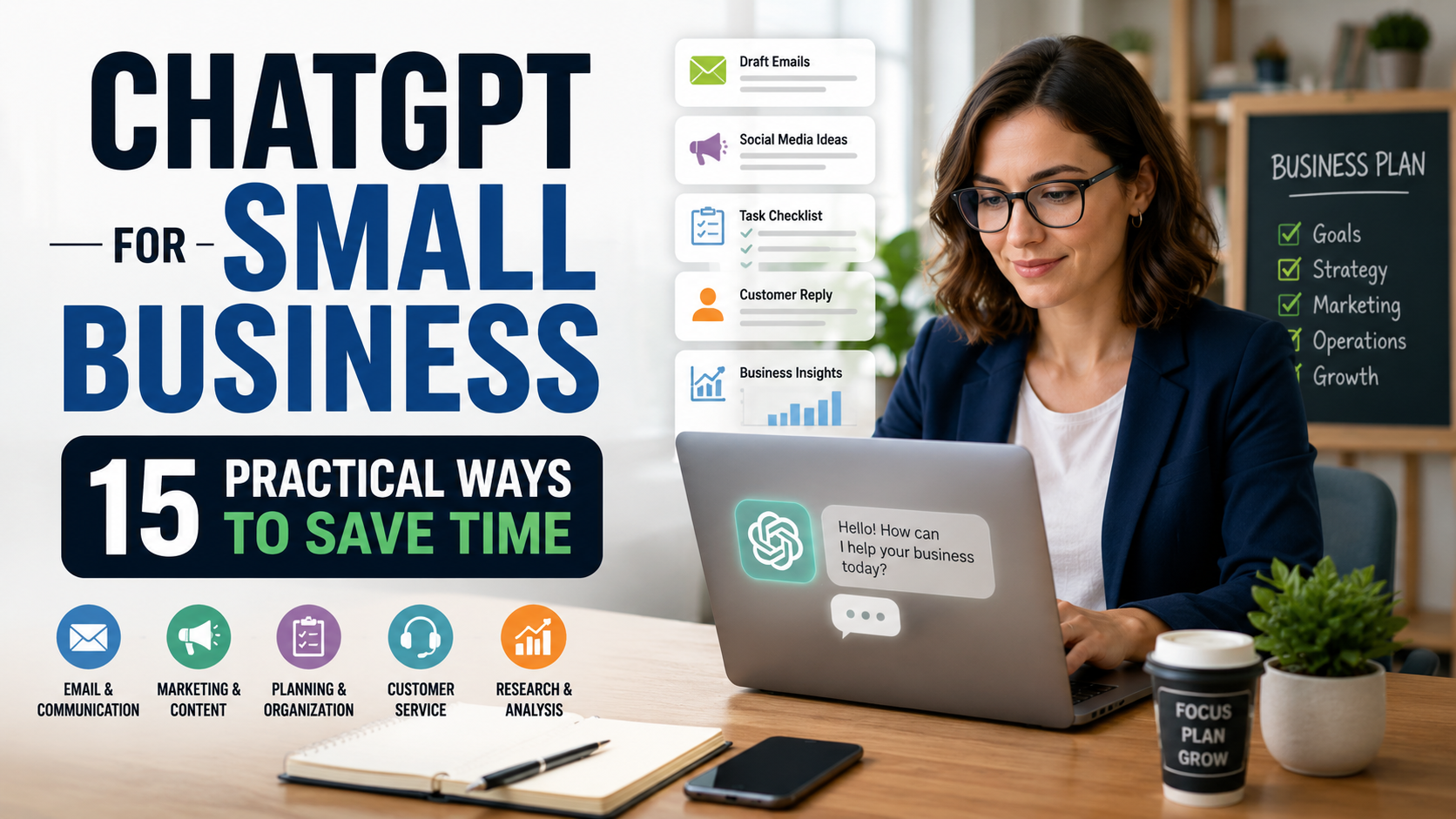
ChatGPT for Small Business: 15 Practical Ways to Save Time
Running a small business often means handling many different jobs at once. Marketing, customer communication, planning, research, administration, and content creation can quickly consume time that could be spent growing the business.
ChatGPT for small business can help with many of these everyday tasks. Used effectively, it can assist with drafting emails, generating content ideas, organizing information, creating checklists, researching topics, improving customer responses, and planning your workload.
You don’t need advanced technical skills to get started. The key is giving ChatGPT clear instructions, enough context about your business, and reviewing its output before putting it into use.
In this guide, we’ll explore 15 practical ways small business owners can use ChatGPT to save time, including copy-and-paste prompt examples you can adapt to your own business. We’ll also cover important limitations and information you should be careful about sharing with AI tools.
ChatGPT for small business can be especially valuable when you have limited time or a small team. Instead of using AI for everything, focus on specific tasks where it can help you work faster while keeping important decisions under human control.
What Is ChatGPT for Small Business?
ChatGPT is an AI assistant developed by OpenAI that can understand everyday language and generate responses based on the instructions and information you provide.
For a small business, ChatGPT can act as a flexible assistant for tasks that normally require time and mental effort. It can help draft written content, brainstorm ideas, organize information, summarize material, create plans, and provide starting points for routine business tasks.
The biggest advantage for many small businesses isn’t replacing employees or automating everything. It’s reducing the amount of time spent staring at a blank page, reorganizing information, or repeatedly creating similar material from scratch.
ChatGPT works best when you provide relevant context about the task, your audience, and the result you want. Its responses should still be reviewed because AI can misunderstand instructions or generate inaccurate information.
If you’re new to prompting, our guide on How to Write ChatGPT Prompts: A Beginner’s Guide with 15 Examples explains a simple method for getting more useful responses.
15 Practical Ways to Use ChatGPT for Small Business
You don’t need to use ChatGPT for every part of your business. Start with tasks that take up time repeatedly, then decide whether AI genuinely makes those tasks easier. The following examples provide practical starting points.
The following examples show how ChatGPT for small business can support common tasks without requiring complicated technical skills.
1. Create Marketing Content Faster
Small businesses regularly need promotional copy for websites, offers, announcements, flyers, and campaigns. ChatGPT can help create a first draft when you provide information about your business, audience, product, and objective.
Avoid asking it simply to “write marketing copy.” Giving specific information usually produces material that requires less editing.
Example prompt
Write marketing copy for [product or service]. My business helps [target customer] with [problem]. The main benefit is [benefit]. Create a headline, a short description, three key benefits, and a clear call to action. Use a professional and conversational tone and avoid exaggerated claims.
2. Generate Social Media Posts
Coming up with new social media ideas consistently can be time-consuming. ChatGPT can help brainstorm topics, hooks, captions, and calls to action based on your audience and business goals.
Example prompt
Create five social media post ideas for my [type of business]. My target audience is [audience], and my goal is [goal]. For each post, give me a strong opening hook, the main content idea, and a simple call to action. Keep the ideas practical and avoid repeating the same angle.
3. Write Professional Emails
Business owners often spend significant time writing customer emails, follow-ups, inquiries, announcements, and other messages. ChatGPT can help turn a few key points into a polished first draft.
Example prompt
Write a professional but friendly email to [customer, supplier, or business contact]. I need to explain [situation]. Include these important points: [details]. My desired outcome is [outcome]. Keep the message clear and under 200 words, and finish with an appropriate next step.
Always review business emails before sending them. Check names, prices, dates, commitments, and other important details rather than assuming the generated draft is accurate.
4. Brainstorm Business Ideas
ChatGPT can be useful as a brainstorming partner when you’re considering new products, services, promotions, or ways to improve an existing business. Rather than asking for random ideas, give it information about your customers, current offer, resources, and goals.
Example prompt
Give me 10 practical ideas for growing my [type of business]. My customers are [target customers], my main products or services are [offerings], and my goal is [goal]. Focus on ideas that can realistically be tested by a small business with a limited budget. For each idea, briefly explain why it could work.
5. Research Customers and Markets
ChatGPT can help you structure market research, identify questions worth investigating, and summarize current information when web search is available. This can provide a useful starting point when exploring customer needs, competitors, or industry trends.
Research results should be verified, especially when they involve current market size, prices, statistics, regulations, or competitor information.
Example prompt
Research the current market for [product, service, or industry] in [location or market]. Focus on customer needs, major trends, common problems, and important competitors. Use recent and reliable sources, cite key factual claims, and clearly identify information that cannot be confirmed.
6. Write Product or Service Descriptions
Writing clear descriptions for multiple products or services can become repetitive. ChatGPT can help create first drafts based on the actual features and benefits you provide.
Give it accurate product information rather than asking it to invent details. This reduces the risk of publishing claims that your product or service cannot support.
Example prompt
Write a clear product description for [product or service]. The key features are [features], the main benefits are [benefits], and the target customer is [audience]. Keep the description between 100 and 150 words, use simple persuasive language, and do not invent specifications, guarantees, or benefits I haven’t provided.
Review every description before publishing it to make sure specifications, prices, guarantees, availability, and other business claims are correct.
7. Improve Customer Service Responses
Small businesses often receive similar customer questions about orders, services, availability, returns, appointments, or other routine issues. ChatGPT can help turn the facts you provide into a clear and professional response.
It should not be allowed to invent company policies, refunds, discounts, delivery promises, or other commitments. Give it the correct information first and review the response before sending it.
Example prompt
Draft a friendly customer-service response to this message: [paste customer message]. The relevant facts and our policy are: [provide facts]. Acknowledge the customer’s concern, explain the situation clearly, and provide the appropriate next step. Do not promise anything beyond the information I’ve provided.
8. Create Frequently Asked Questions
A useful FAQ can answer common questions before customers need to contact you. ChatGPT can help organize your existing customer questions into a clear FAQ for your website, product page, or support materials.
Example prompt
Create an FAQ for my [type of business, product, or service]. Customers commonly ask about [list common questions or topics]. Organize the questions logically and write short, clear answers using only the information I provide: [business information]. If an answer is missing, flag it for me instead of inventing one.
9. Plan and Prioritize Your Working Day
Small business owners often have competing priorities. ChatGPT can help organize a long task list into a more realistic schedule based on deadlines, importance, and the time available.
Example prompt
Help me organize my working day. I have [number] hours available and these tasks: [paste tasks]. My most important business goals are [goals], and my fixed deadlines or appointments are [details]. Prioritize the tasks, create a realistic schedule with short breaks, and identify anything that could be postponed if I run out of time.
Treat the schedule as a planning aid rather than a rigid instruction. Unexpected customer issues, urgent work, and changing priorities are normal parts of running a small business.
10. Summarize Reports, Notes, and Information
Small business owners may need to review meeting notes, reports, customer feedback, research, or other lengthy information. ChatGPT can help extract the main points and turn them into a shorter summary.
Tell ChatGPT what information matters to you instead of simply asking for a general summary.
Example prompt
Summarize the following information for a small business owner: [paste text]. Identify the five most important points, any decisions that were made, action items, deadlines, and anything that requires follow-up. Do not add information that isn’t present in the original material.
11. Create Checklists and Standard Operating Procedures
Repetitive business tasks are easier to manage when there is a consistent process. ChatGPT can help turn your existing way of doing something into a checklist or a draft standard operating procedure (SOP).
This can be useful for tasks such as processing orders, responding to inquiries, publishing content, onboarding customers, or completing routine administrative work.
Example prompt
Help me create a simple standard operating procedure for [business task]. This is how we currently perform the task: [describe process]. Organize it into clear steps in the correct order. Include required information or materials, common mistakes to avoid, and a final quality-check step. Do not invent company policies that I haven’t provided.
12. Repurpose Existing Content
Creating every piece of content from scratch isn’t always necessary. A useful blog post, newsletter, video transcript, presentation, or other piece of original content can often be adapted into several formats for different channels.
ChatGPT can help with this process while keeping the main ideas consistent.
Example prompt
Repurpose the following content: [paste original content]. Create three social media posts, one short email, five headline ideas, and a brief summary. Preserve the original facts and meaning, adapt the wording to each format, and do not introduce claims that aren’t supported by the source material.
Review repurposed content before publishing it. Each platform has a different audience and context, so a version that works well in one place may still need adjustments elsewhere.
13. Generate Sales and Promotion Ideas
ChatGPT can help brainstorm ways to promote a product or service without immediately relying on paid advertising. The strongest suggestions usually come when you explain what you’re selling, who it’s for, and what resources you have available.
Treat the ideas as possibilities to evaluate rather than guaranteed ways to increase sales.
Example prompt
Give me 10 practical ideas for promoting [product or service]. My target customers are [audience], my main selling point is [benefit], and my marketing budget is [budget]. Include a mix of free and low-cost approaches. For each idea, explain briefly how I could test it and what result I should measure.
14. Analyze Customer Feedback
Reviews, survey responses, support messages, and other customer feedback can contain useful patterns. ChatGPT can help organize that information into recurring themes, complaints, positive comments, and potential improvements.
Remove unnecessary personal or sensitive customer information before sharing feedback with an AI tool.
Example prompt
Analyze the following customer feedback: [paste anonymized feedback]. Group similar comments into themes, identify the most common positive and negative points, highlight recurring customer problems, and suggest areas that may deserve further investigation. Base the analysis only on the feedback provided.
15. Prepare for Meetings
ChatGPT can help turn scattered information into a structured meeting agenda. It can also suggest questions to discuss and help organize notes afterward.
Example prompt
Help me prepare for a meeting about [topic]. The participants are [roles or participants], and our main objective is [goal]. Create a concise agenda, list the five most important questions to discuss, identify any information I should prepare beforehand, and suggest the decisions or next actions we should try to leave the meeting with.
These examples show that ChatGPT for small business is most useful when applied to specific tasks with clear instructions. You don’t need to introduce AI into every part of your operation. Start with one repetitive or time-consuming task, evaluate whether it genuinely helps, and expand from there.
What Small Businesses Should Not Share With ChatGPT
ChatGPT can be useful for business tasks, but that doesn’t mean every piece of business information should be entered into an AI service. Before sharing information, consider whether it is confidential, sensitive, regulated, or something a customer, employee, or business partner would reasonably expect you to protect.
As a general rule, avoid entering information such as:
- Passwords and login credentials — Never paste passwords, authentication codes, API keys, recovery codes, or similar security information into a prompt.
- Customer personal information — Avoid unnecessary names, addresses, phone numbers, identification numbers, payment information, or other personally identifiable customer data.
- Financial and payment details — Don’t enter credit card numbers, banking credentials, or other sensitive financial information.
- Confidential business information — Be careful with unreleased products, private contracts, proprietary processes, internal financial data, trade secrets, or other information your business is obligated to protect.
- Sensitive employee information — Avoid uploading private personnel records, identification documents, payroll information, or confidential HR material unless your organization has specifically approved an appropriate system and process for doing so.
When you want ChatGPT to analyze customer feedback, emails, meeting notes, or similar material, remove unnecessary identifying information whenever possible. Often, the task can be completed just as effectively using anonymized or fictional examples.
Businesses should also understand the privacy, security, and data controls of any AI service they use. Requirements can differ depending on your industry, location, organization, and the type of information being processed.
Finally, don’t give ChatGPT authority to make important business decisions without human review. AI can assist with analysis and suggestions, but decisions involving contracts, finances, employment, legal obligations, customer commitments, or other high-impact matters may require qualified human judgment.
How to Get Better Results From ChatGPT for Your Business
The usefulness of ChatGPT often depends on the quality of the information and instructions you provide. A vague request such as “help me market my business” gives ChatGPT very little direction, while a prompt that explains your business, audience, goal, and requirements can produce a much more relevant response.
For most business tasks, try to include four things:
Task + Context + Requirements + Output Format
- 1. State the task clearly. Explain exactly what you want ChatGPT to do.
- 2. Provide relevant context. Describe your business, audience, situation, or objective when it affects the answer.
- 3. Set requirements. Specify important details such as tone, length, limitations, information to include, or things to avoid.
- 4. Choose an output format. Ask for a table, checklist, email, plan, bullet list, or another format when appropriate.
- 5. Review and refine. If the first response isn’t quite right, use follow-up instructions instead of automatically starting over.
You can learn this prompting method in more detail in our How to Write ChatGPT Prompts: A Beginner’s Guide with 15 Examples.
If you want to build ChatGPT into a broader daily or weekly workflow, see How to Use ChatGPT for Productivity: 10 Simple Ways to Save Time in 2026.
Frequently Asked Questions About ChatGPT for Small Business
These common questions can help you decide where ChatGPT for small business fits into your everyday workflow.
Is ChatGPT useful for small businesses?
Yes. ChatGPT can help small businesses with tasks such as drafting emails, brainstorming ideas, creating marketing content, organizing information, summarizing documents, planning work, and preparing customer-service responses. Its usefulness depends on the task, the quality of your instructions, and how carefully you review the output.
Can I use ChatGPT to market my small business?
Yes. ChatGPT can help brainstorm campaigns, draft promotional copy, generate social media ideas, create content outlines, and repurpose existing marketing material. Provide accurate information about your business and review any claims before publishing them.
Can ChatGPT replace employees in a small business?
ChatGPT is better viewed as an assistant for particular tasks rather than a complete replacement for employees. It can speed up repetitive writing, research, organization, and brainstorming, but human judgment, relationships, expertise, accountability, and decision-making remain important.
Can ChatGPT answer customer questions?
ChatGPT can help draft responses to common customer questions when you provide the correct business information and policies. Review responses before sending them, particularly when they involve refunds, prices, guarantees, delivery dates, contracts, or other commitments.
Is it safe to put business information into ChatGPT?
Businesses should be careful with confidential, personal, financial, proprietary, or otherwise sensitive information. Avoid sharing information that isn’t necessary for the task, remove identifying details where possible, and understand the privacy and data controls available for the AI service and plan you’re using.
Can ChatGPT create a business plan?
ChatGPT can help structure a business plan, brainstorm sections, organize information, and create a first draft based on details you provide. However, market assumptions, financial projections, legal requirements, and other important facts should be independently researched and verified.
Do I need a paid ChatGPT plan for my small business?
Not necessarily. The best option depends on the features you need, how frequently you use ChatGPT, and the current limits of each available plan. Because plans, features, and pricing can change, check the current options before deciding whether a paid plan provides enough additional value for your business.
Final Thoughts on Using ChatGPT for Small Business
ChatGPT for small business can be a practical way to reduce time spent on repetitive tasks, generate starting points, organize information, and make everyday work easier to manage.
You don’t need to introduce AI into every part of your business at once. Start with one or two tasks that regularly consume your time—such as writing emails, creating social media ideas, preparing customer responses, or organizing your workload—and see whether ChatGPT genuinely improves the process.
The quality of the results will depend partly on the instructions and information you provide. Give ChatGPT relevant context, explain what you want clearly, and use follow-up prompts when the first response needs improvement.
Most importantly, keep human judgment involved. Review AI-generated content, verify important facts, protect sensitive information, and don’t allow ChatGPT to make important business commitments or decisions without appropriate oversight.
Used thoughtfully, ChatGPT can become a useful assistant for marketing, communication, planning, research, organization, and other everyday small-business tasks—while leaving you responsible for the decisions that matter.
If you’re just getting started, our guides to writing better ChatGPT prompts and using ChatGPT for productivity can help you build the skills and workflows needed to get more value from the tool.