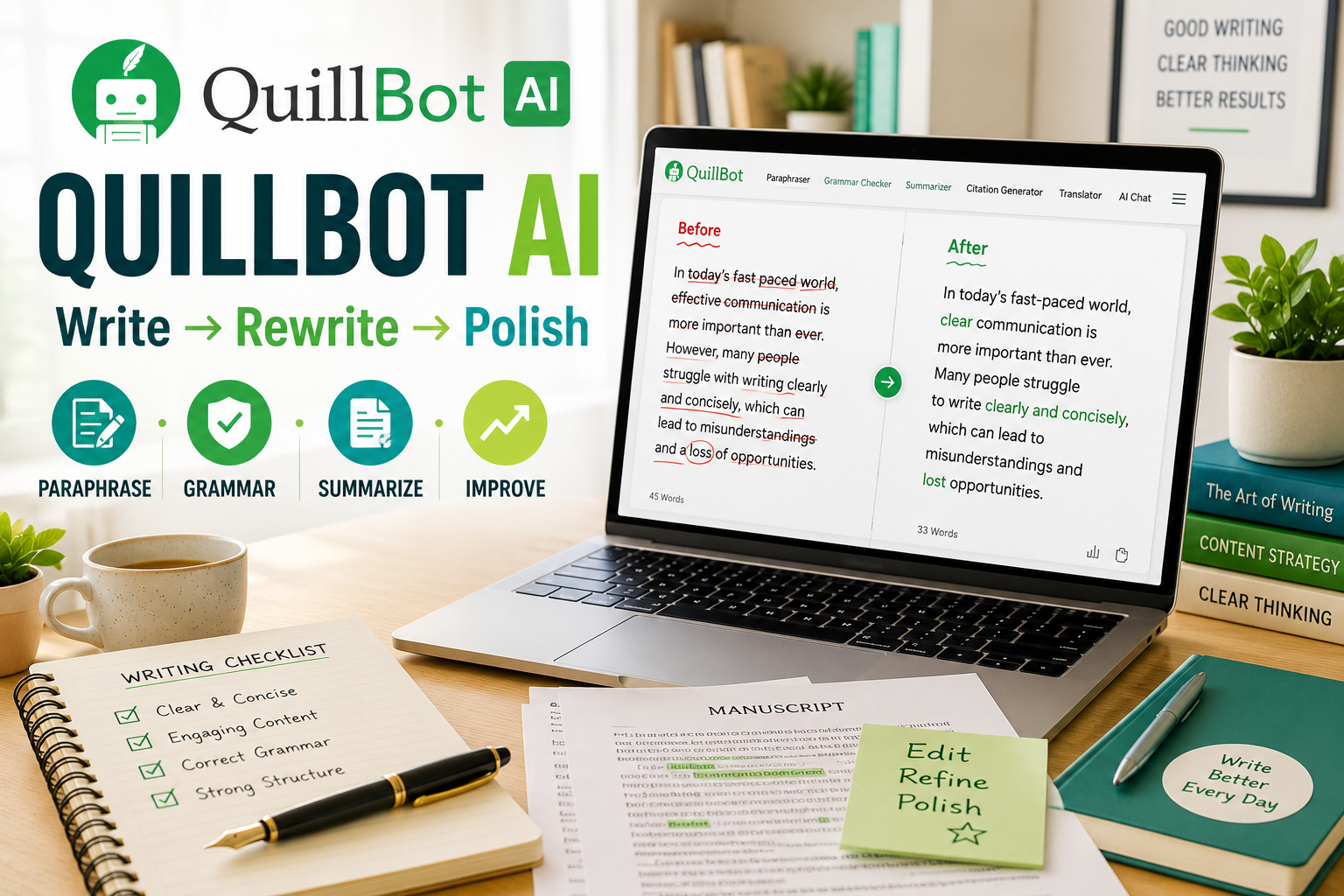
How to Use QuillBot AI: 15 Powerful Ways to Improve Your Writing in 2026
Learning how to use QuillBot AI can make writing, rewriting, editing, and researching much easier.
Whether you’re creating a blog post, preparing an email, working on an academic assignment, or improving business content, writing often involves much more than simply getting words onto a page.
You need to make your ideas clear, correct mistakes, improve awkward sentences, remove unnecessary repetition, and ensure the finished piece sounds natural.
That’s where QuillBot can help.
QuillBot combines several AI-powered writing tools in one platform, including paraphrasing, grammar checking, summarization, citation assistance, translation, and other writing features.
This guide explains 15 practical ways to use QuillBot AI while keeping your own ideas, judgment, and voice at the center of your writing.
What Is QuillBot AI?
QuillBot is an AI-powered writing platform designed to help users improve and transform written content.
Its best-known feature is its paraphrasing tool, but the platform has expanded into a broader collection of writing and productivity tools.
Depending on the tools and plan available to you, QuillBot can help with tasks such as:
- Rewriting sentences and paragraphs
- Checking grammar and spelling
- Summarizing longer text
- Improving clarity and fluency
- Creating and checking citations
- Translating text
- Detecting similarities in writing
- Supporting research and writing workflows
The important point is that QuillBot shouldn’t replace your thinking.
It works best as an assistant that helps improve material you already understand and control.
How to Use QuillBot AI: Getting Started
Getting started is straightforward.
- Visit the official QuillBot website.
- Create an account or sign in.
- Choose the writing tool you need.
- Enter or paste your text.
- Select the appropriate settings or mode.
- Generate the suggested changes.
- Review the result carefully before using it.
Don’t automatically accept every AI-generated change.
Read the original and revised versions side by side whenever possible. Make sure the meaning, facts, tone, and intention haven’t changed.
Now let’s look at what you can actually do with it.
1. Paraphrase Difficult Sentences
Paraphrasing is one of QuillBot’s best-known capabilities.
If a sentence feels awkward or unnecessarily complicated, enter it into the paraphrasing tool and review the alternatives.
For example, you might start with a sentence containing too many technical words or an overly complicated structure.
QuillBot can help you explore a clearer way of expressing the same basic idea.
This can be particularly useful when editing:
- Blog articles
- Reports
- Emails
- Essays
- Product descriptions
- Business documents
However, paraphrasing shouldn’t be used to disguise copied work. If an idea requires attribution, rewriting the wording doesn’t remove the need to cite the original source.
2. Improve the Clarity of Your Writing
Good writing isn’t about using the most impressive vocabulary.
It’s about making your meaning easy to understand.
One valuable way to learn how to use QuillBot AI is to identify sentences that feel confusing and test clearer alternatives.
After receiving a suggestion, ask yourself three questions:
- Is the new version easier to understand?
- Does it preserve my original meaning?
- Does it still sound like something I would say?
If the answer to all three is yes, the revision may genuinely improve your writing.
3. Check Grammar and Spelling
Small grammatical errors can reduce the credibility of otherwise useful content.
QuillBot’s grammar tools can help identify problems involving spelling, punctuation, sentence structure, and other common writing issues.
This is particularly useful as a final editing stage.
Instead of depending entirely on automated corrections, use the tool to identify potential problems and then decide which changes make sense.
That human review is important because context matters.
4. Rewrite Repetitive Sentences
Repetition can make an article feel mechanical.
This happens frequently when writing long blog posts because the same sentence structures and phrases naturally begin appearing again.
QuillBot can provide alternative wording.
Suppose several paragraphs repeatedly begin with phrases such as:
- “You can use…”
- “This tool can…”
- “Another way to…”
- “This feature helps…”
Rather than leaving every paragraph with the same rhythm, use QuillBot to explore different sentence structures.
The goal isn’t to make every sentence complicated. It’s to create natural variety.
5. Summarize Long Information
Sometimes you don’t need another 2,000 words.
You need the important points.
QuillBot’s summarization tools can help condense longer material into a shorter overview.
A useful workflow is:
Read → Understand → Summarize → Verify
Never skip the verification stage.
AI summaries can leave out context that matters, especially when the original material is technical, academic, legal, medical, or otherwise sensitive.
For ordinary research and content planning, however, summarization can be an excellent time saver.
6. Improve Blog Posts
QuillBot can become part of a broader blogging workflow.
For example, after drafting an article, you could use it to identify sections that need clearer wording, remove repetition, shorten overly long sentences, and correct grammatical problems.
A simple workflow might look like this:
Research → Outline → Draft → Rewrite → Proofread → Fact-check → SEO → Publish
This is especially useful when combined with broader AI-assisted content methods.
For more ideas, see our guide to using ChatGPT for content creation on AI Skills Made Simple.
7. Make Emails More Professional
Emails often need a different writing style from blog posts.
A message can be factually correct but still sound too abrupt, wordy, vague, or overly formal.
QuillBot can help you experiment with clearer alternatives before sending important messages.
This is useful for:
- Customer communication
- Business inquiries
- Follow-up emails
- Job applications
- Client correspondence
- Internal workplace communication
The final email should still sound like you, particularly when the message involves a personal relationship or sensitive business matter.
8. Improve Academic Writing Responsibly
Students are a natural audience for writing assistants, but this is also an area where responsible use matters.
QuillBot can help students improve grammar, understand alternative ways of expressing an idea, summarize study material, and organize citations.
It should not be treated as a shortcut for submitting someone else’s ideas as your own.
Schools, universities, instructors, and individual assignments may have different policies regarding AI assistance.
Students should therefore check the rules that apply to their work.
A useful principle is simple:
Use AI to improve your ability to communicate what you understand—not to pretend you understand something you don’t.
9. Create Better Social Media Captions
Social posts often need to communicate an idea in very little space.
If you’ve written a caption that feels too long, QuillBot can help you experiment with a more concise version.
For example, one long paragraph could potentially become:
- A short Instagram caption
- A LinkedIn introduction
- A Facebook post
- A concise call to action
- Several variations for testing
You can also combine this workflow with other tools.
Our ChatGPT for Social Media guide explores additional ways to use AI when planning and creating social content.
10. Simplify Complicated Information
One of the strongest writing skills is explaining something complicated in simple language.
Suppose you’re writing about artificial intelligence for beginners.
Your first draft might contain technical terminology that makes perfect sense to you but confuses your audience.
Use QuillBot to experiment with simpler wording, then manually review the result.
This approach fits especially well with educational websites because clarity is more valuable than sounding complicated.
11. Shorten Wordy Paragraphs
Longer isn’t automatically better.
A 100-word paragraph that communicates one simple idea may be weaker than a clear 50-word version.
When editing, look for:
- Repeated explanations
- Unnecessary introductions
- Filler words
- Sentences making the same point twice
- Excessively complicated phrases
Use QuillBot to test a shorter alternative.
Then compare both versions and keep whichever communicates the idea more effectively.
12. Translate and Refine Multilingual Content
QuillBot also provides translation capabilities, which can be useful when working across languages.
Translation tools can help with an initial version, but important communication should still be reviewed carefully.
Idioms, cultural references, humor, tone, and specialized terminology don’t always translate perfectly.
For professional publication, treat AI translation as part of the workflow rather than automatically assuming the first result is final.
13. Improve Research and Citations
Research involves more than finding information.
You also need to keep track of where important claims originated.
QuillBot provides citation-related tools that can assist with parts of this process.
But never assume that an automatically generated citation is correct.
Before publishing or submitting your work, verify:
- Author
- Article or publication title
- Publication date
- Source
- URL or DOI where applicable
- Required citation format
For academic work in particular, citation accuracy matters just as much as polished writing.
14. Polish AI-Generated Drafts
QuillBot can also complement other AI tools.
For example, you might create an initial outline or draft using ChatGPT, Claude, Gemini, or another writing assistant.
Then you could use QuillBot during the editing stage.
The workflow becomes:
- Develop the idea.
- Research the subject.
- Create an outline.
- Produce the first draft.
- Verify factual claims.
- Improve awkward sections.
- Check grammar.
- Perform a final human edit.
The mistake is thinking that moving text through multiple AI systems automatically makes it high quality.
Your judgment remains the most important part of the process.
15. Build a Complete Writing Workflow
The most powerful way to learn how to use QuillBot AI isn’t to depend on a single feature.
Build a repeatable workflow around the entire writing process.
For example:
Idea → Research → Outline → Draft → Paraphrase where necessary → Grammar check → Simplify → Fact-check → SEO → Final human review → Publish
This turns QuillBot from an occasional rewriting tool into one part of a larger content-production system.
For website owners, freelancers, students, marketers, and content creators, that can save considerable editing time.
QuillBot AI for Beginners: What Should You Start With?
Don’t try every feature on your first day.
Start with three simple tasks:
- Paraphrasing — Rewrite one awkward paragraph.
- Grammar checking — Proofread something you’ve already written.
- Summarization — Condense a piece of information you already understand.
Once you’re comfortable reviewing the results, explore additional features.
This approach also teaches you something important: when AI improves your writing and when your original version is actually better.
QuillBot AI vs ChatGPT
QuillBot and ChatGPT overlap in some areas, but they aren’t identical tools.
QuillBot is particularly convenient when your workflow centers on existing text—paraphrasing, polishing, summarizing, checking grammar, and related writing tasks.
ChatGPT is a broader conversational AI assistant that can help with brainstorming, explanations, research-oriented workflows, planning, coding, drafting, and many other tasks.
That means you don’t necessarily need to treat them as competitors.
A content creator might use ChatGPT to develop an outline and first draft, then use QuillBot selectively during editing.
If you’re new to prompt-based AI, read our beginner’s guide to writing ChatGPT prompts for another approach to improving AI-assisted writing.
Mistakes to Avoid When Using QuillBot AI
AI writing tools become less useful when they’re used without judgment.
Avoid these common mistakes:
- Accepting every suggested rewrite automatically
- Paraphrasing material simply to hide plagiarism
- Publishing information without fact-checking
- Removing your natural writing voice
- Overcomplicating sentences unnecessarily
- Assuming generated citations are always accurate
- Using AI when an assignment or organization prohibits it
- Treating paraphrasing as a substitute for understanding
Your goal should be better communication, not merely different wording.
Is QuillBot AI Worth Using in 2026?
QuillBot can be useful for people who regularly write and edit text.
It may be particularly valuable for students, bloggers, marketers, freelancers, professionals, non-native English writers, and anyone who spends significant time improving drafts.
But whether it’s worth paying for depends on how frequently you use its advanced features.
A casual user may find free functionality sufficient, while someone editing content every day may benefit more from paid features.
Check QuillBot’s official website for current features and pricing rather than relying on older pricing quoted in articles or videos.
Final Thoughts on How to Use QuillBot AI
Learning how to use QuillBot AI effectively isn’t about asking artificial intelligence to take over your writing.
It’s about reducing some of the friction involved in editing.
Use it to explore clearer sentences, correct mistakes, summarize information, remove unnecessary repetition, and polish drafts.
But keep control of the finished work.
The strongest workflow is still:
Your ideas + reliable research + AI assistance + human judgment.
Get those four elements working together, and QuillBot can become a valuable addition to your writing toolkit.